
Create Account
Steps to Setting Up an Account
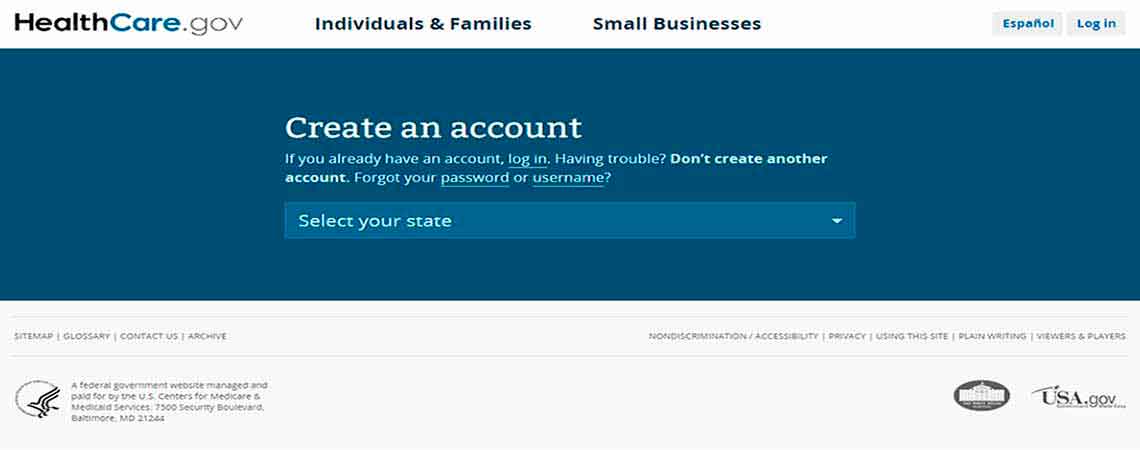
Select your state from the drop down list.
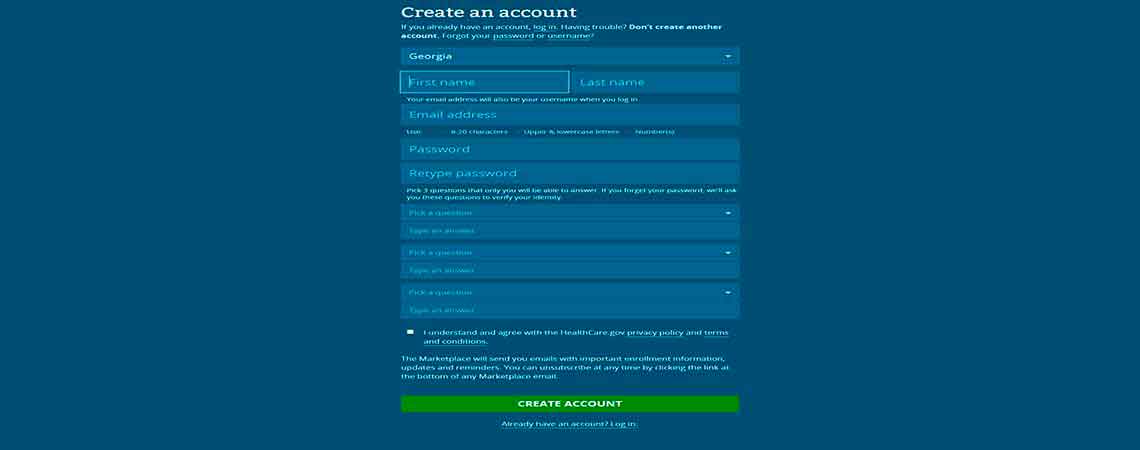
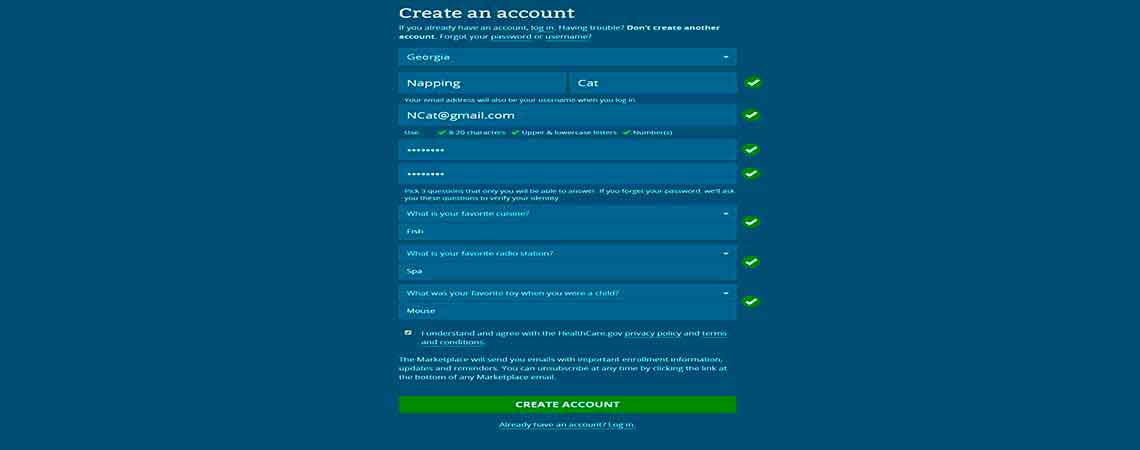
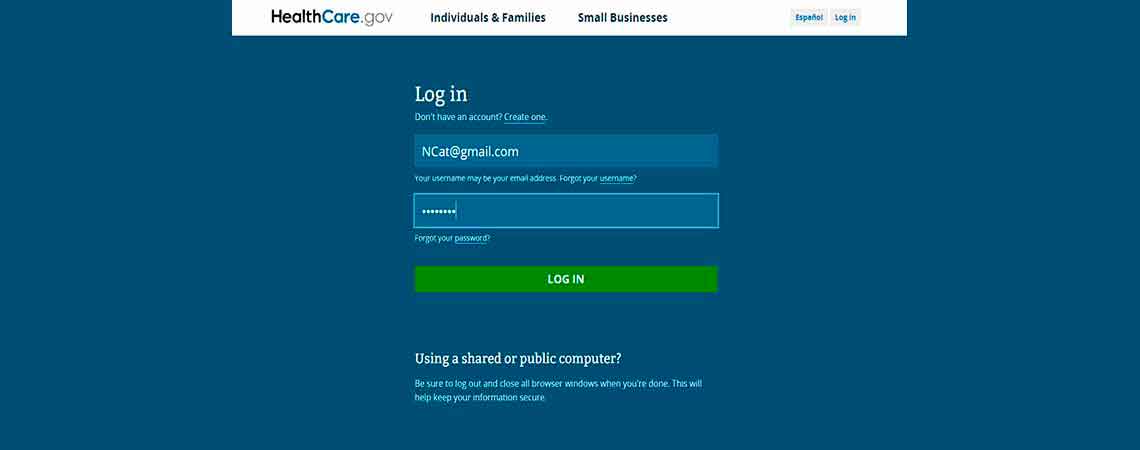
You will need a valid email address. Your email address will automatically serve as your username or login ID.
Your password must be 8–20 characters long and contain uppercase letters, lowercase letters, and at least one number. Write it down and keep in a safe place.
Answer three security questions. Be sure to write them down and keep them with your password.
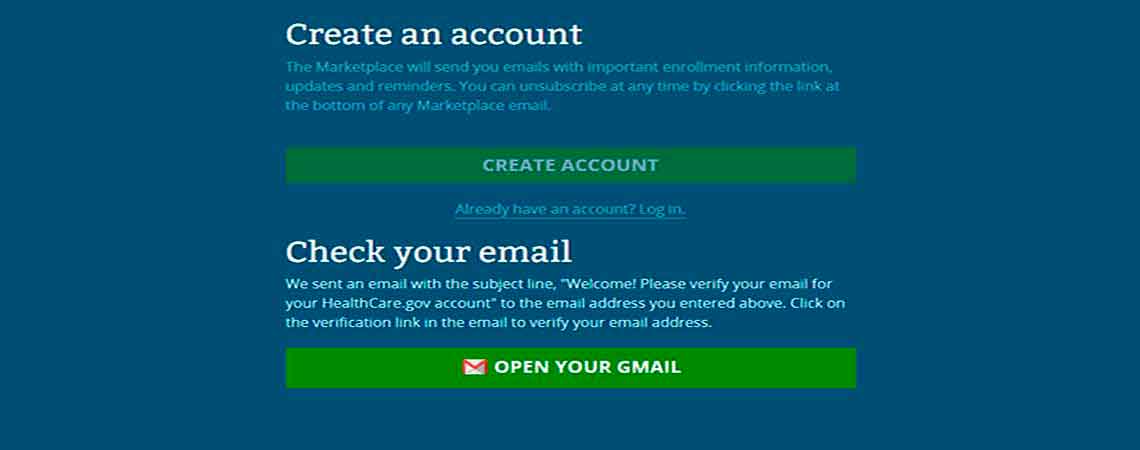
Click on Create Account. You will be sent an email for verification.
You will receive a confirmation email from notices@healthcare.gov asking you to verify your email address.
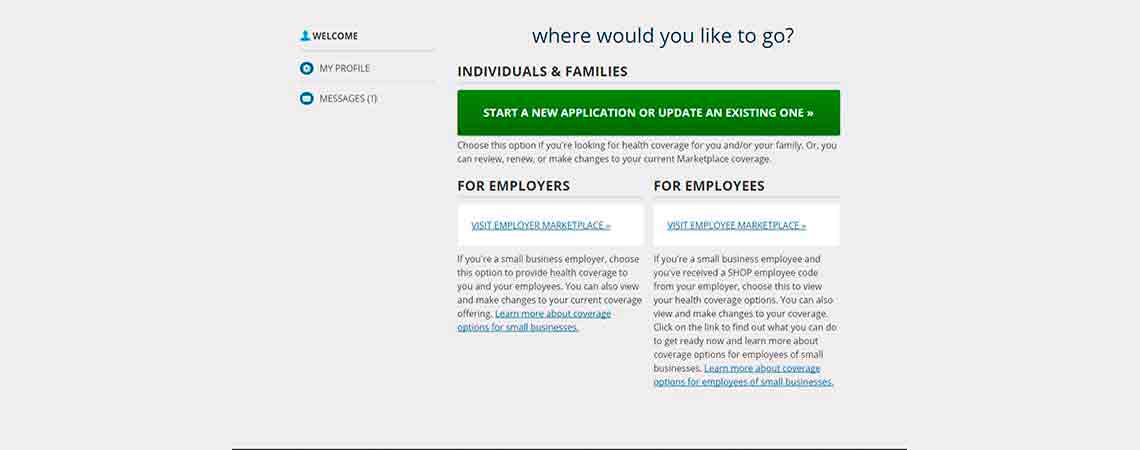
After verifying your email address, you will be directed to Log In. Your email address will serve as your permanent username/login ID. Once logged in, the system will prompt you to set up two-factor security codes and verify your identity so you can safely begin your application.
HealthCare.gov now actively prompts users to set up an extra layer of account protection right after the initial setup. This usually involves sending a quick code to the user's phone or email during subsequent log-ins.
